Organizing a project's tasks matters. But so does taking a moment to understand how the work is progressing.
Which tasks are still pending? Which are in progress? What needs reviewing? How much has been completed?
In Mopux, you can organize tasks into groups, creating the structure that best suits your project.
With version 1.10.0, we've introduced another way to view that same information: the Progress view.
A different perspective that answers a simple question: where do we stand?
Two ways to view the same project
Every team has its own way of organizing work.
Some group tasks by phase; others use departments, deliverables or areas of work.
Mopux's Groups view lets you keep that organization and work on tasks within the structure you've defined.
But sometimes you need a different perspective.
For example, you may want to review every pending task in a project, regardless of its phase. Or quickly identify work that's waiting for review.
That's why we created the Progress view.
All your tasks, organized by status
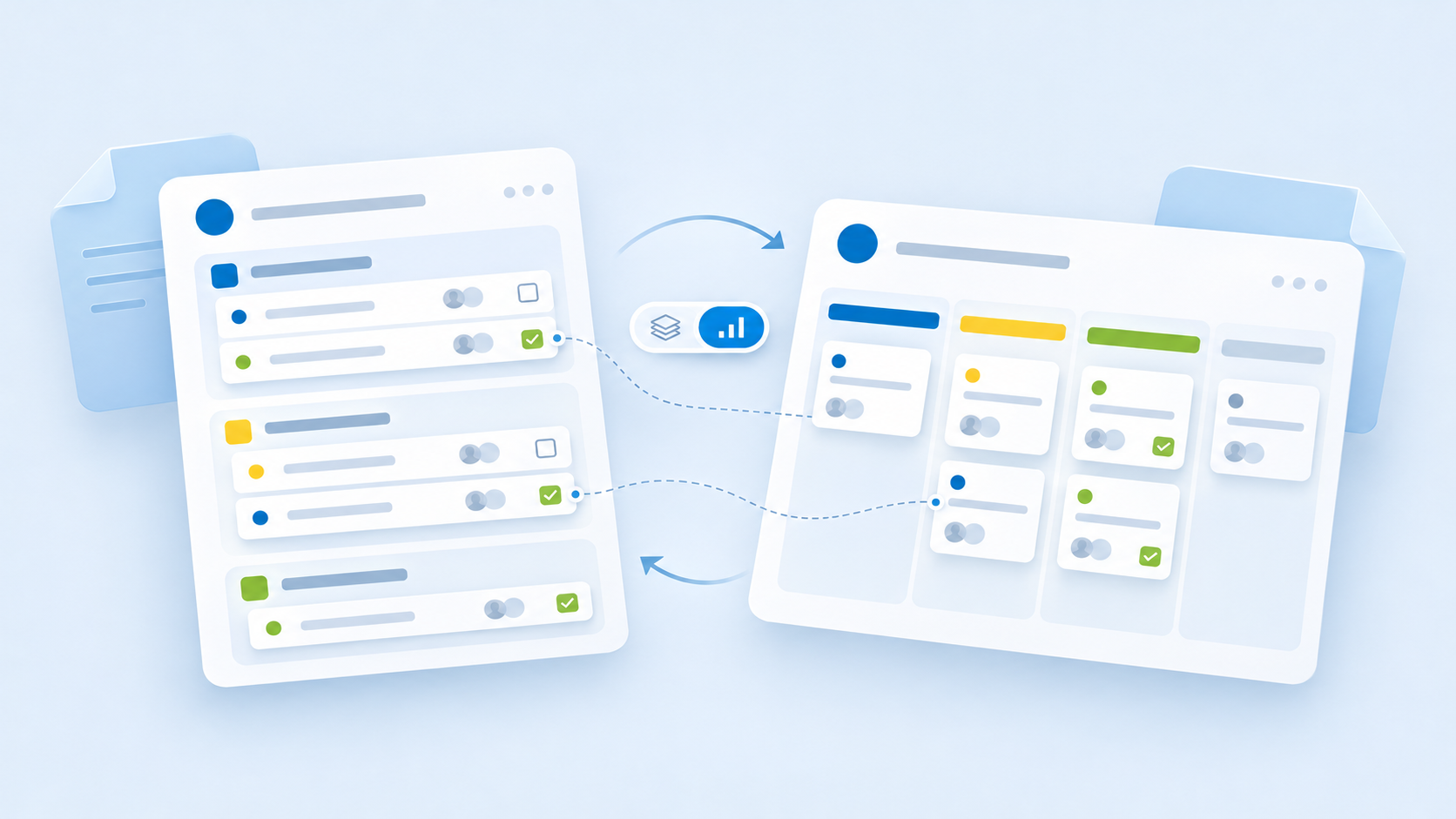
The new Progress view brings a project's tasks together in columns based on their status.
Instead of seeing tasks separated by their groups, you can see the work as a whole, arranged by its current status: pending, in progress, in review or completed.
This makes it easier to see where work is concentrated and which tasks need attention.
And most importantly, you don't lose your project's organizational context.
Every task still shows which group it belongs to and who's responsible for it.
That way, you can see overall progress while keeping track of where each task fits in your project.
Switch views to suit what you're doing
You don't always need to look at your project in the same way.
When you're planning work or managing a particular phase, the Groups view may be more useful.
When you want to check overall progress, find pending tasks or see what needs attention, the Progress view offers a more direct perspective.
You can now switch easily between the two from within the project.
And to save you repeating that choice whenever you return, Mopux remembers your preferred view for each project.
You can use a different approach for each project, depending on what you need.
Find what matters without wasting time
The Progress view keeps the search and filtering tools you already use in Mopux.
This means you can see tasks by status while using search and filters to focus on the information you need.
We've also added a small detail to make the board easier to scan: the completed-tasks column starts collapsed.
So you can focus first on work that still needs attention, while keeping finished tasks available whenever you want to check them.
Small adjustments like these help make information clearer, especially in projects with many tasks.
A different perspective, the same work
The new view isn't meant to change how you organize projects or force you to adopt a particular way of working.
The idea is much simpler: give you two complementary ways to look at the same tasks.
Groups helps you maintain your project's structure.
Progress helps you understand how the work is moving forward.
Two perspectives on the same work, in one place.
Explore the new Progress view
The Progress view is available in Mopux 1.10.0.
Open any of your projects and switch between Groups and Progress to discover which view is most useful at any given moment.
Because organizing work matters, but knowing how it's progressing matters too.
 Mopux teamMore ideas for your team ↗