We're continuing to improve Mopux to make organizing projects, coordinating tasks and collaborating with your team simpler every day.
With version 1.10.0, we're introducing new ways to see your work, streamlining common operations and expanding the possibilities for connecting Mopux with other applications.
This update brings visible improvements to everyday work, as well as changes that open the door to new ways of working.
Here are the highlights.
A new perspective on project progress
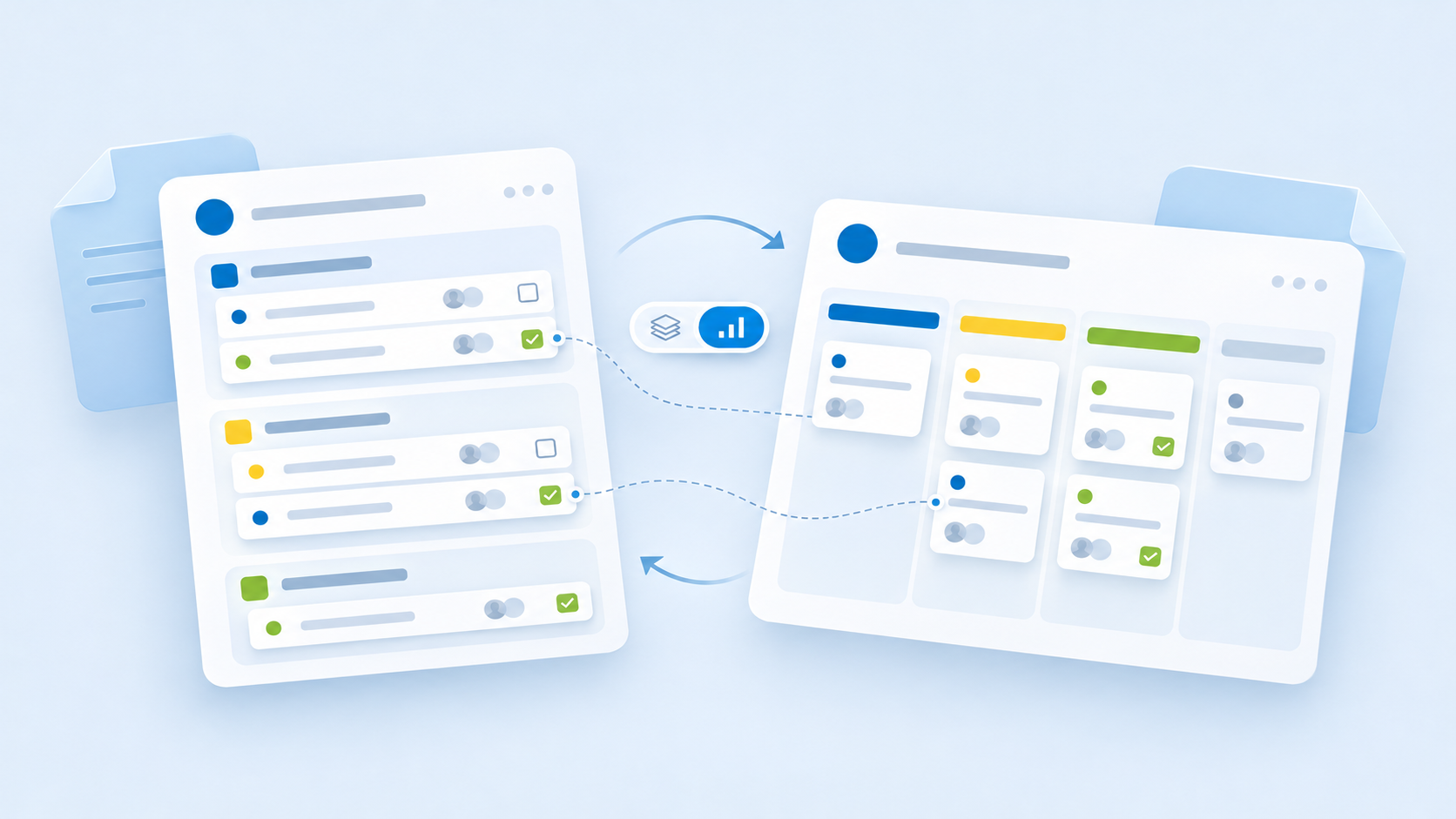
One of the biggest changes in this release is the new Progress view.
Until now, you could organize a project's tasks into groups, dividing them by phase, department or any structure that suited your team.
Now there's another way to look at the same work.
The Progress view brings every task in a project together in columns based on status, regardless of its original group.
This makes it easier to identify what's pending, what's in progress, what needs review and what's already finished.
You can switch between Groups and Progress at any time, while keeping access to search, filters, assignees and the original group of each task.
Mopux also remembers your preferred view for each project and starts with the completed-tasks column collapsed, making the board easier to scan.
Two complementary ways to view the same work, without reorganizing your projects.
Read more in our article about the new Progress view.
Creating groups and tasks is now faster
Setting up a new project often means creating several tasks before work can begin.
Mopux 1.10.0 makes this easier.
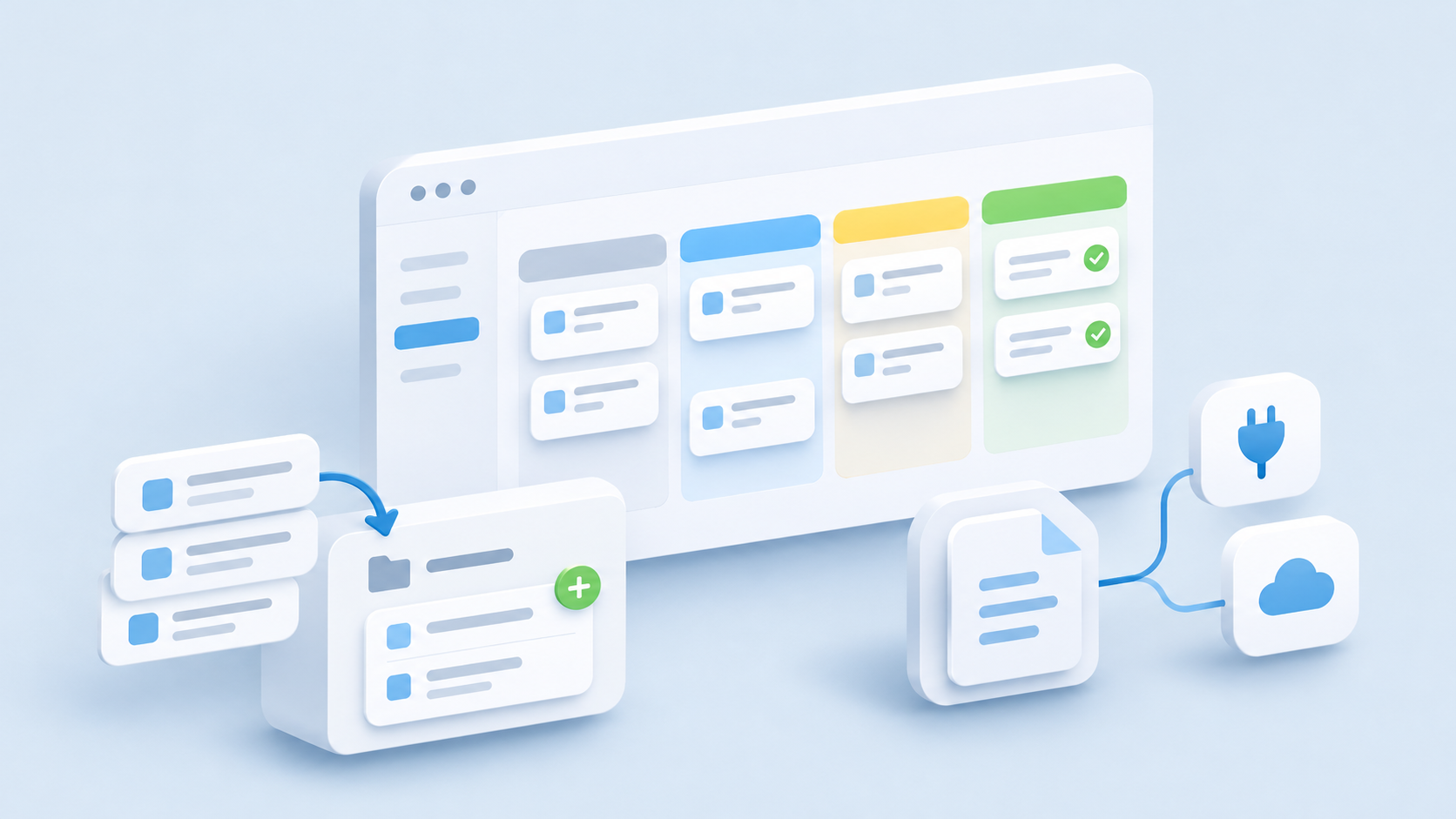
When creating a group, you can now add up to 50 tasks at once.
Just type or paste one task per line. Mopux creates the tasks automatically and preserves the order you entered.
For example, you can prepare a checklist in a document and paste it straight into a new group instead of creating each task individually.
It's a simple improvement that's especially useful when starting a project or planning its next phase.
An easier way to contact us
We've also refreshed the former “Feedback and suggestions” area. You'll now find it under Contact.
You can use it to ask a question, share a suggestion or request a plan change.
The form helps route each message to the right team and makes follow-up easier.
You can also open it directly from the billing section.
We want getting in touch to be as straightforward as working in Mopux.
More possibilities with AI assistants
We're continuing to expand Mopux's integration capabilities through MCP (Model Context Protocol), which allows applications to connect with compatible AI assistants.
This release adds operations for checking project activity and progress, creating and configuring projects, managing members, organizing tasks and groups, viewing notifications, and working with comments and documents.
The capabilities of My Focus have also been expanded, allowing assistants to view and manage tasks you've marked as priorities.
This lets compatible assistants help with more operations without making you switch constantly between tools.
Available actions depend on each connection's permissions and the user's access to the relevant projects.
For security, deleting tasks, groups and projects still takes place in the Mopux web application.
Get started with our guide to connecting Mopux to ChatGPT if you haven’t tried it yet.
A more capable API for your integrations
Version 1.10.0 also expands integration options through the Mopux API v1.
We've introduced operations for managing projects and members, reorganizing tasks, handling notifications and nudges, working with attachments and managing My Focus tasks.
These changes make it possible to build more comprehensive integrations with other applications and automate common workflows.
If you use older integrations, there's an important change: the endpoints /api/task/store, /api/my-tasks and /api/team, which relied on shared-key authentication, have been removed.
Integrations that depend on them need to move to API v1, which uses personal tokens.
Small improvements that matter
Not every improvement needs a new screen or a headline feature. Some simply make everyday tasks more convenient.
We've also made several smaller changes in this release:
- Faster editing: press Enter to save when renaming groups, editing task hours or confirming a group copy. Press Escape to cancel a group rename.
- Easier country selection: country fields in billing details now include search.
- Faster My Tasks: we've optimized loading for tasks and the home board, particularly in workspaces with a lot of activity.
- More consistent document management: upload and deletion checks are aligned across Mopux, the API and connected applications.
- Internal improvements: administration tools now provide more information about installations, trials and billing.
We've also updated our privacy policy to reflect user registration, plan purchases and subscription cancellations.
Finally, we've fixed an issue affecting blog publication dates and updated previously affected articles.
We're continuing to build Mopux
Every update is a chance to improve the way teams work together on projects.
With Mopux 1.10.0, we've focused on three things: clearer visibility into work, fewer steps to organize it and more ways to connect it with other tools.
We'll keep moving in that direction: making Mopux a place where organizing work feels natural, without unnecessary complexity.
Thank you for following along and helping us improve with your suggestions.
 Mopux teamMore ideas for your team ↗