We don't all work the same way. Some people prefer a light interface during the day, while others feel more comfortable with darker tones, especially when checking their projects at night.
Dark mode was one of the requests we heard most often during Mopux testing. That's why we added it as a customization option: everyone can choose the appearance that feels right for them.
What changes with dark mode?
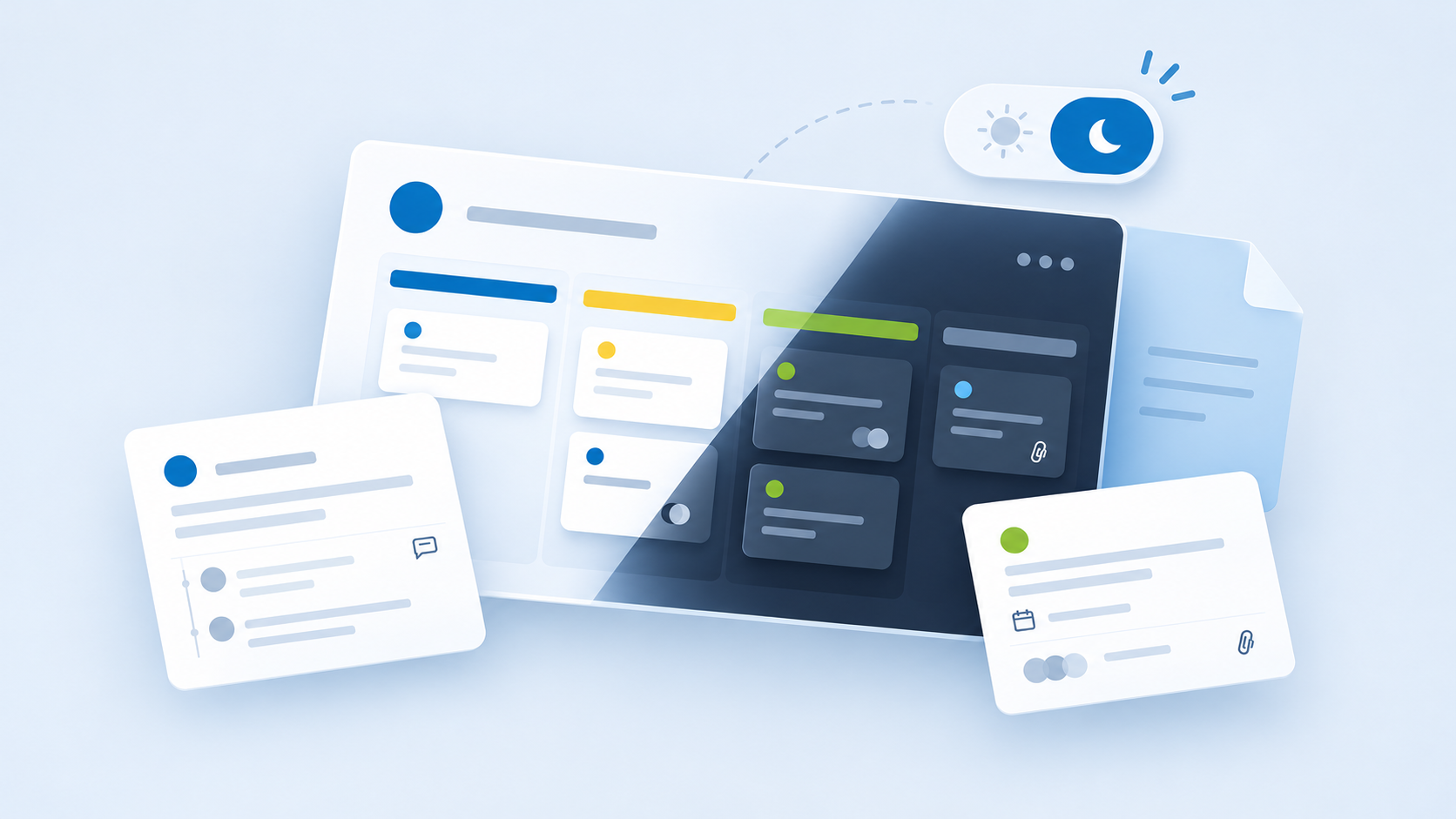
When you enable dark mode, Mopux switches backgrounds, cards, and other interface elements to a darker color palette. The goal is to offer a different visual experience without changing how you organize your work.
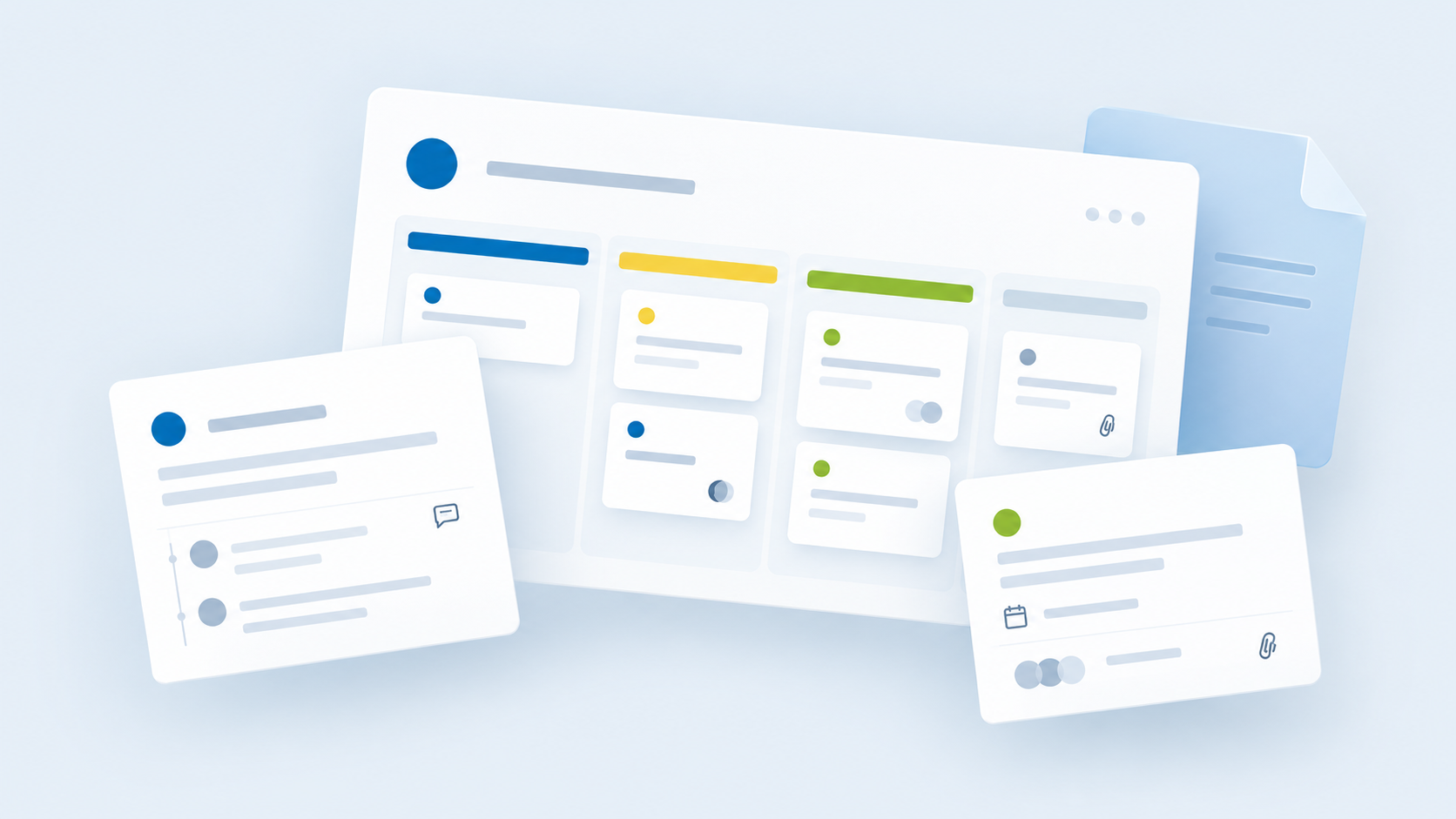
Boards, tasks, and the activity dashboard keep the same layout. That way, you can still find information where you expect it, with the appearance you prefer.
How to enable dark mode in Mopux
- Sign in to your Mopux account.
- Open your user profile settings.
- Find the appearance preference and enable dark mode.
The change takes effect immediately. If you later prefer light mode, you can switch back in the same place.
A personal preference, not a requirement
Mopux dark mode is set manually. Your choice doesn't depend on your operating system's appearance settings.
For example, you might use a light theme on your computer but prefer a dark interface when reviewing projects. Or you may want to keep Mopux in light mode even when your other applications use a dark theme.
Same work, different appearance
A good customization option shouldn't make you relearn an application. We've applied the darker palette across Mopux to preserve readability and visual consistency from one view to another.
Dark mode doesn't replace light mode: both are available so you can use whichever fits your environment and preferences best.
This improvement came from suggestions by people who tested Mopux from its early versions. If you already use Mopux, we encourage you to try both options and tell us which feels more comfortable. Feedback like this continues to shape the experience.
 Mopux teamMore ideas for your team ↗