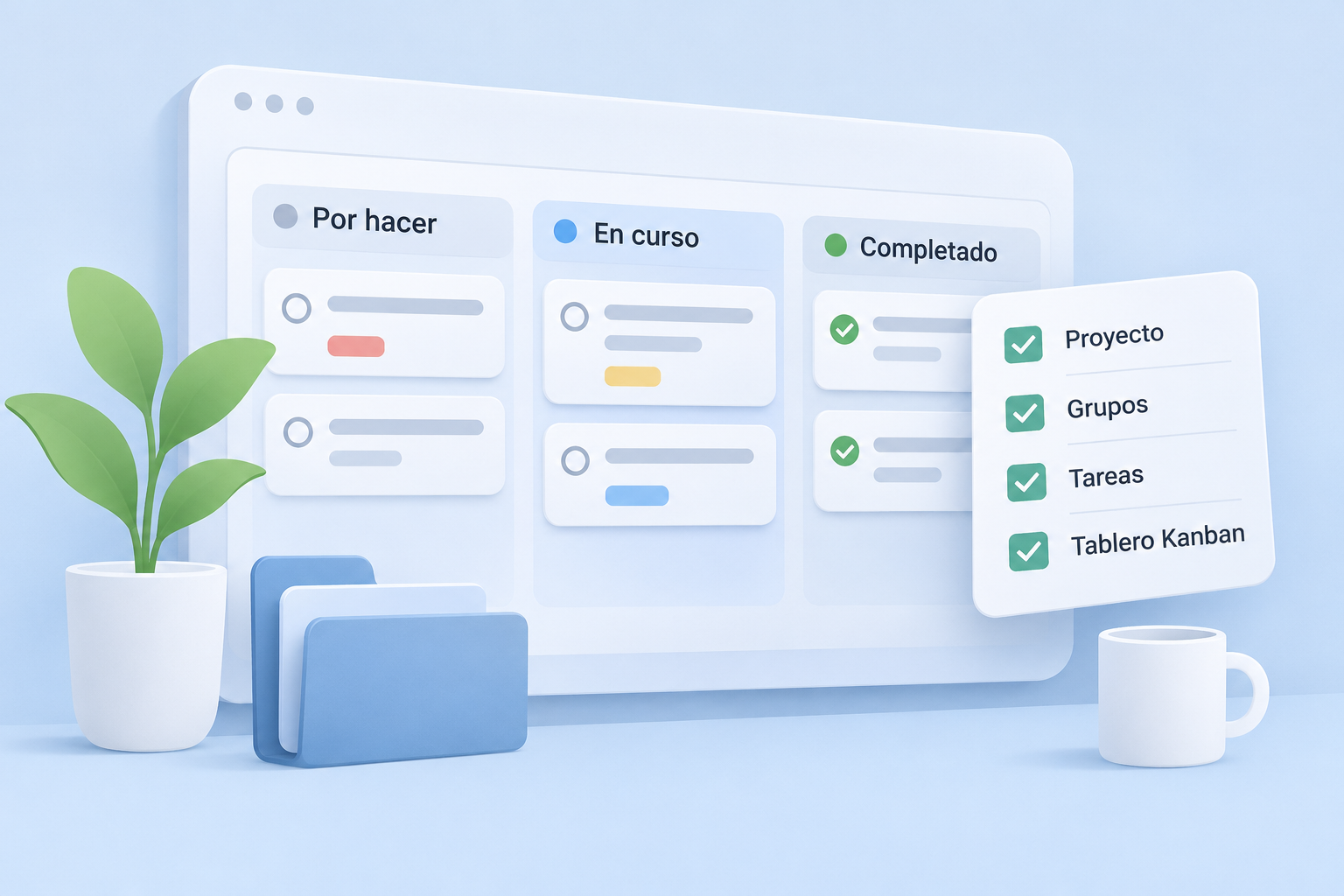
When you start using a project management tool, it's tempting to copy all your existing lists into it. But it's often better to begin with something smaller: one specific project, a few groups and tasks that everyone can understand at a glance.
In this guide, we'll set up a simple example in Mopux, from creating a project to reviewing what's still pending. For broader advice on working together without losing information, read our guide to organizing team tasks without losing context.
1. Create a project around a specific goal
A project is a shared space for a piece of work and the people involved. It might be a website launch, a campaign, a client deliverable or an ongoing maintenance service.
In Mopux, create a project using the application's creation options. Give it a name everyone recognizes, such as New company website. Where appropriate, choose its status and check who needs access.
Here's a simple test: will anyone on the team know what work belongs there just by reading the name? If not, make it more specific.
2. Organize work into task groups
Within a project, groups bring related tasks together. The Kanban board displays the groups and their cards in one place.
Groups don't have to represent statuses. You can organize them by phases, deliverables, areas or weeks. For a website, you might use:
- Content: copy, photographs and message review.
- Design: visual proposals and mobile layouts.
- Development: forms, pages and integrations.
- Launch: checks before going live.
The distinction matters: the group describes where a task belongs; its status describes how far along it is. One Design task can be pending while another is in review, without needing a separate column for every status.
Start with a few groups and adjust them as you learn how the team works.
3. Add tasks that explain what needs to be done
A task card should describe a recognizable action. Instead of Contact, write Review the contact form. Instead of Images, try Select homepage images.
When creating a task, start with the essentials:
- Title: a specific, easy-to-identify action.
- Description: the expected result and any required context.
- Assignees: the people involved in the work.
- Dates and priority: when they help coordinate delivery.
Mopux lets you assign multiple people to a task. Even so, the team should know who coordinates the next step.
For example, a task titled Review the contact form might say: Check required fields, the confirmation message and email delivery. Record any issues here. That gives someone enough context to begin without asking for the original instructions.
4. Use status to track progress
Tasks can be Pending, In progress, In review or Completed. Keeping their status current helps everyone understand what's happening without asking about each item.
- Pending: work hasn't started yet.
- In progress: someone is working on it.
- In review: ready for someone else to check.
- Completed: the work has been finished.
When a form works but still needs testing, move its task to In review. Once approved, mark it Completed.
You can move tasks between groups and rearrange cards on the board. To change the order manually within a column, use manual sorting with active filters removed.
5. Use priorities without making everything urgent
Mopux provides four priority levels: Low, Normal, High and Maximum. They distinguish what needs attention first; they aren't labels for making everything important.
Keep Normal for routine work, reserve High for items needing attention soon and use Maximum only for a clear reason. Priority filters can help you find these tasks later.
Each person can also maintain a personal task order or follow the shared order, so everyone can work comfortably without rearranging the same board.
6. Review the project with a short routine
Once the tasks exist, maintaining the board shouldn't become another job. Spend a few minutes asking:
- Are any pending tasks overdue to get started?
- Which items are in review and need a response?
- Are any tasks unassigned or in need of a priority change?
The project summary shows progress by group and the distribution of pending and completed tasks across team members. Use it to identify where attention is needed, not to judge people solely by task counts.
A first board you can maintain
You don't need a perfect system to begin with Mopux. Try one real project, three or four groups and your first tasks for the week. Assign people, update statuses as work progresses and check after a few days whether the structure still makes sense.
When people can find what they need and understand the next step, the board is doing its job. Everything else can improve as you go.
 Mopux teamMore ideas for your team ↗