Organizing a team's tasks sounds simple until work starts spreading across emails, messages, documents, and meetings.
Then the questions begin: what's still pending? Who takes the next step? Where did we discuss that change? What did we finally decide?
The problem isn't always the amount of work. Often, it's how hard it is to find the information needed to do it.
Good organization isn't about creating more processes. It's about making sure everyone knows what they need to do and has the context to move forward.
The problem isn't having too many tasks. It's losing their context.
Imagine someone receives a task with this description:
“Review the changes to the contact page.”
It seems clear enough at first. But when it's time to get started, the questions appear.
Which changes? Who requested them? Where's the design? Was a deadline agreed? Is anything still awaiting confirmation?
The answers probably exist, but they're scattered across conversations, emails, and documents that aren't always easy to find.
Every question creates a small interruption. When interruptions pile up over the week, work becomes slower and harder to follow.
That's why organizing tasks also means organizing the information that belongs with them.
Five principles for organizing teamwork
There's no single right way to work. Each team has its own needs, but a few principles can help keep things organized without making them unnecessarily complicated.
1. A clear space for each project
The first step is deciding where each piece of work belongs.
It might be a website, a marketing campaign, client maintenance, or an event. What matters is that everyone involved knows where to find the tasks and related information.
When every project has its own space, it's easier to see what's happening and avoid mixing up unrelated work.
2. Group tasks in a way everyone understands
You don't need a complicated structure.
For some projects, it helps to organize tasks by stage: to do, in progress, in review, and done. For others, grouping them by department, deliverable, or workweek makes more sense.
Choose a structure the team understands and can maintain.
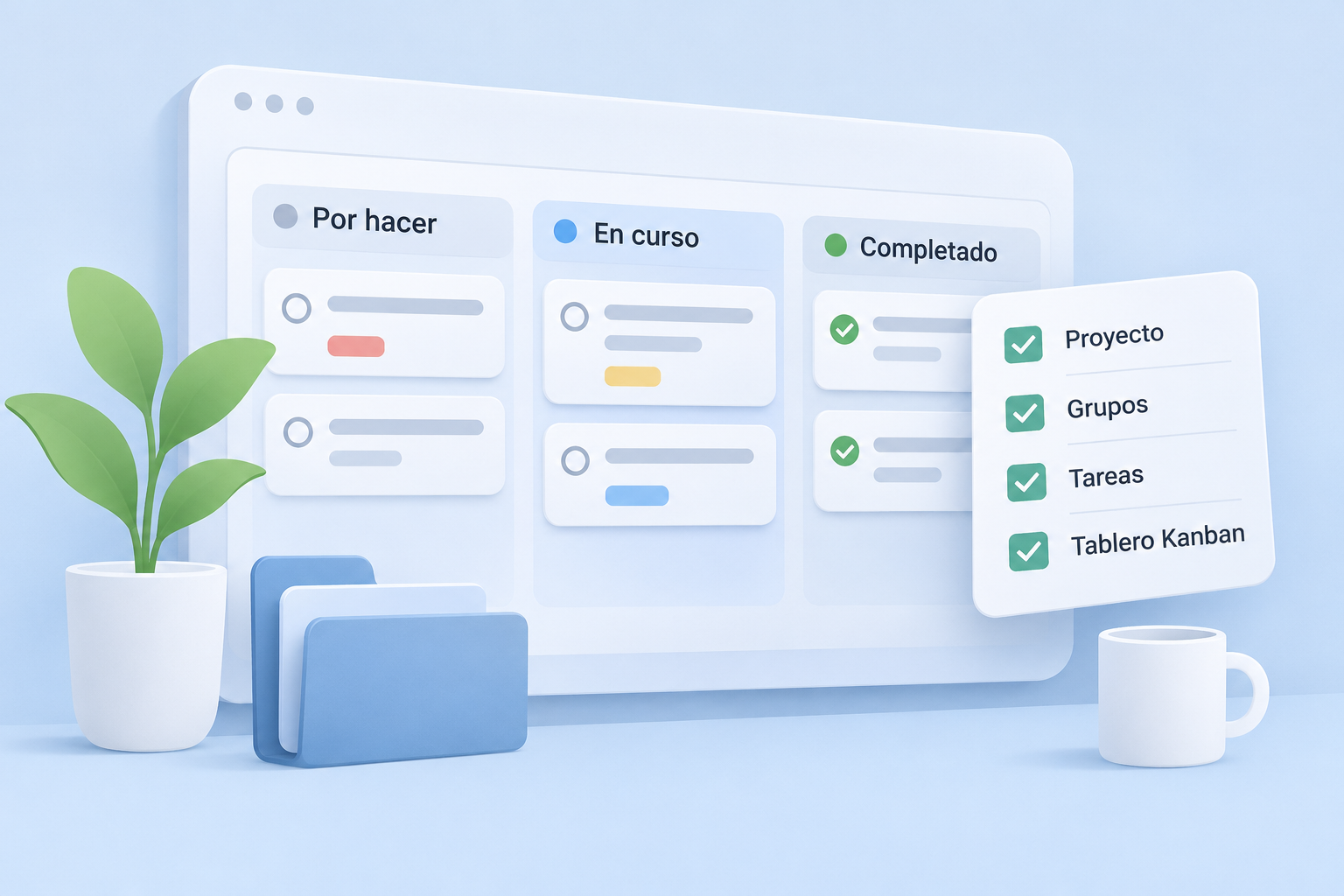
A Kanban board, for example, offers a simple way to visualize tasks and quickly see how work is progressing.
Just remember: the board should adapt to the team, not the other way around.
3. Make it clear who takes the next step
A task can be perfectly described and still get stuck because no one knows who should pick it up.
Assigning someone to take responsibility helps prevent this.
That doesn't mean only one person can work on a task. It means everyone knows who will coordinate the next step or keep things moving.
It's also useful to note important dates and distinguish urgent priorities from work that can wait.
4. Keep conversations close to the work
Much of a task's context is created while people are working on it.
Someone raises a question, another person suggests an alternative, and eventually a decision is made.
If that conversation is disconnected from the task, retrieving it weeks later can be difficult.
Whenever possible, keep relevant comments, documents, and decisions in a shared place that's easy to consult.
That way, anyone joining the task can understand what's happened so far.
5. Review progress without creating more work
Staying organized also means checking how things are going.
But that doesn't require constant meetings or spending a large part of the day updating statuses.
A clear system should make three questions easy to answer:
- What's still pending?
- What are we working on now?
- What needs our attention?
If finding those answers takes too much effort, it may be time to simplify.
A practical example: organizing a website project
Imagine a small team building a new website.
They could start with a project called New company website and organize tasks into four groups:
- To do: work that hasn't started.
- In progress: tasks someone is working on.
- In review: work awaiting approval.
- Done: tasks that have been finished and accepted.
These groups might contain tasks such as Write homepage copy, Review the contact form, and Approve the mobile design.
Each task would have an understandable description, a responsible person, and a deadline when needed.
Related comments and documents would stay attached to the appropriate task.
It isn't a particularly sophisticated system. And that's precisely why it's useful: the team can understand it without spending too much time managing it.
Common mistakes to avoid
Even with good tools, it's easy to build a system that's more complicated than necessary.
Common pitfalls include creating too many groups or statuses, using vague task names, leaving tasks without an owner, and discussing important decisions outside the project.
Another common mistake is trying to document absolutely everything.
The goal shouldn't be to collect information for its own sake, but to retain what genuinely helps people understand and complete the work.
A comment explaining a decision can be more valuable than several pages of documentation nobody reads.
Start simple and improve as you go
If you want to organize your team's work better, you don't need to redesign every process overnight.
Start with one project. Bring its tasks into one place, set up a structure that's easy to understand, and make sure everyone knows their next step.
Then watch how the team works.
Are tasks easy to find? Do people constantly have to ask for information? Can everyone see what's pending and what's finished?
The answers will help you adjust your approach without adding unnecessary complexity.
More clarity to move forward together
At Mopux, we believe a project management tool should help people work, not become one more thing to worry about.
That's why we bring projects, tasks, responsibilities, conversations, and documents together in one shared space, where information makes sense and is easy to find.
Because organizing work better isn't ultimately about more lists, more meetings, or more tools.
It's about giving everyone the clarity they need to take the next step.
Want a clearer way to organize your team's work? Discover Mopux and explore our approach to project and task management.
 Mopux teamMore ideas for your team ↗